
BUILT FOR SOUTH AFRICAN BUSINESS
Run your business.
Take back control.
Your till, kitchen, stock and business reports.
Connected. Clear. Under your control.
14 days of full Pro + VoltaBooks. No credit card.
Paid subscription required after your trial.
- Windows & Android
- Ingredient-level stock control
- Connected kitchen
- Multi-location
Trusted by South African shops & hospitality


Built for the way
your business actually runs.
From the delivery at your door to the order at the pass. Keep the work moving, and the numbers connected.
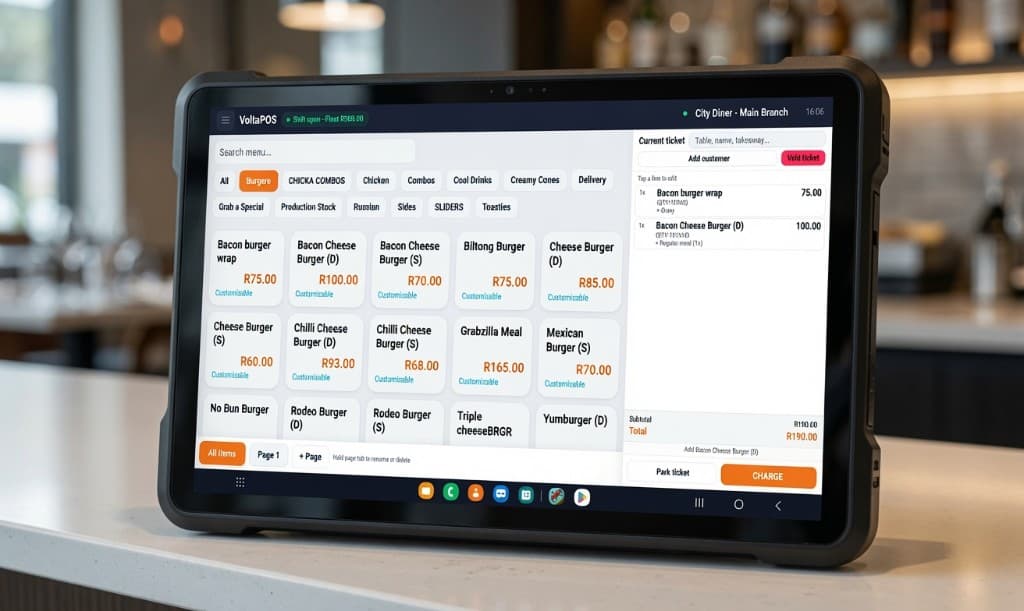
Your next sale. A smoother shift.
Take orders, choose modifiers and manage the ticket from one till. Built for the people serving customers, with the back office connected behind the scenes.
Delivery arrives. Stock gets recorded.
Receive stock right on the till. Send the goods receipt to back office for costing, and get back to serving customers.
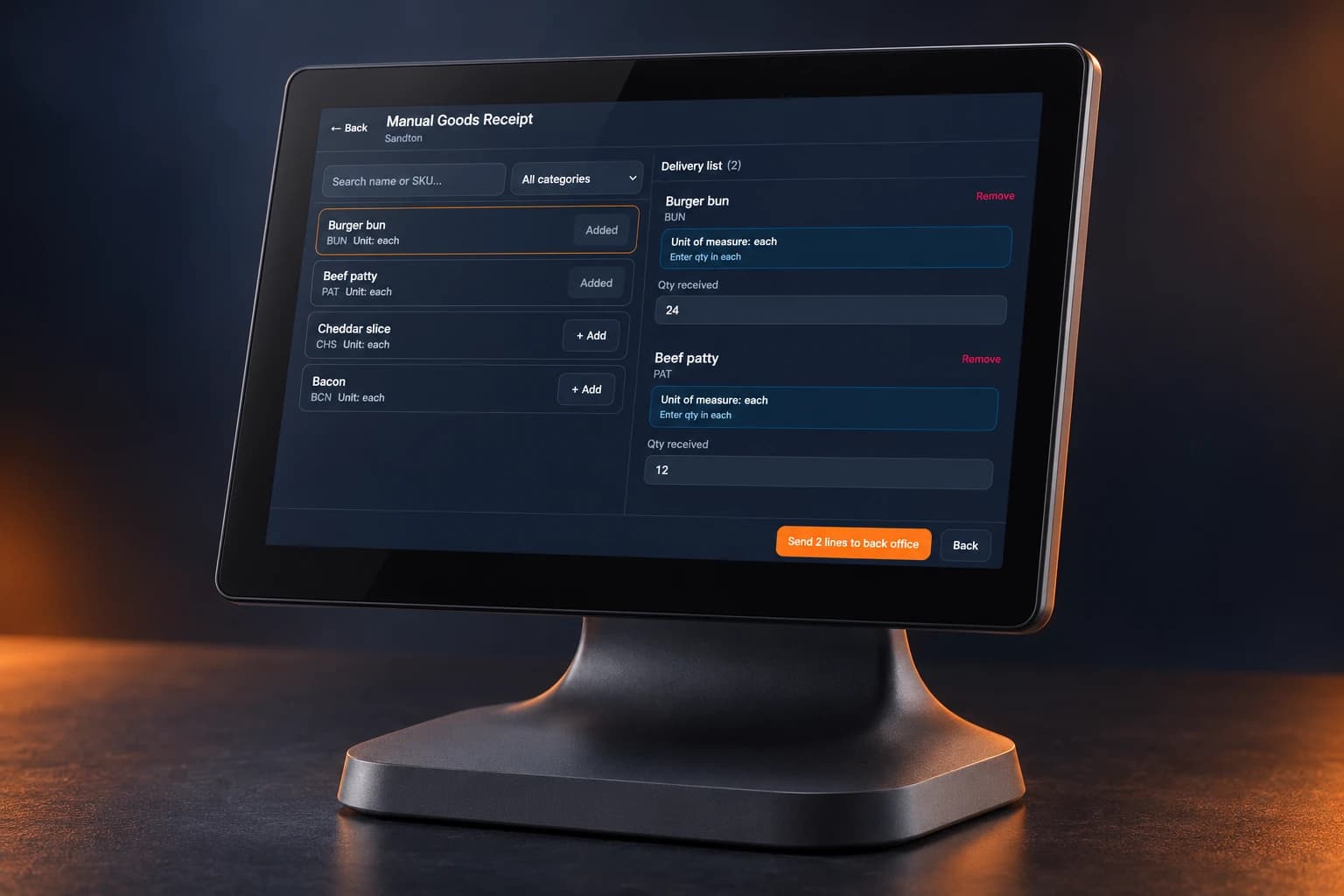
Count on the floor. Check costs in back office.
Two branches. One clear stock trail.
Send stock from one location and receive it at the other. Keep branch stock organised with a clear send-and-receive workflow.
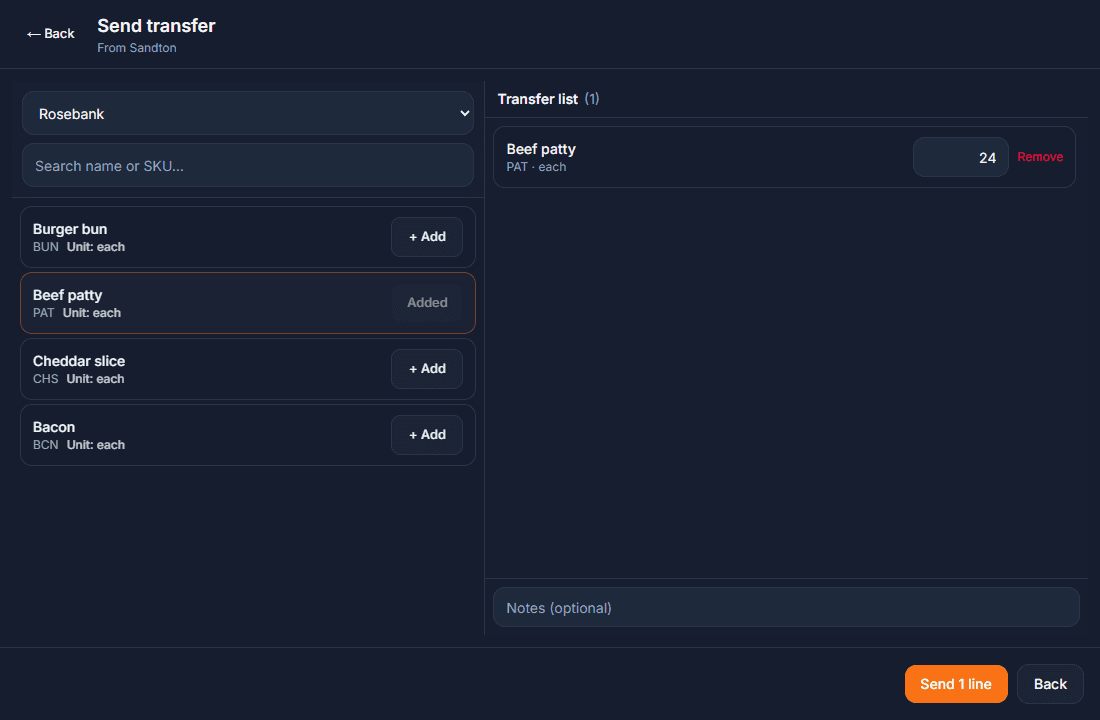
Each location keeps its own stock balance.
Sell a burger. Track every ingredient.
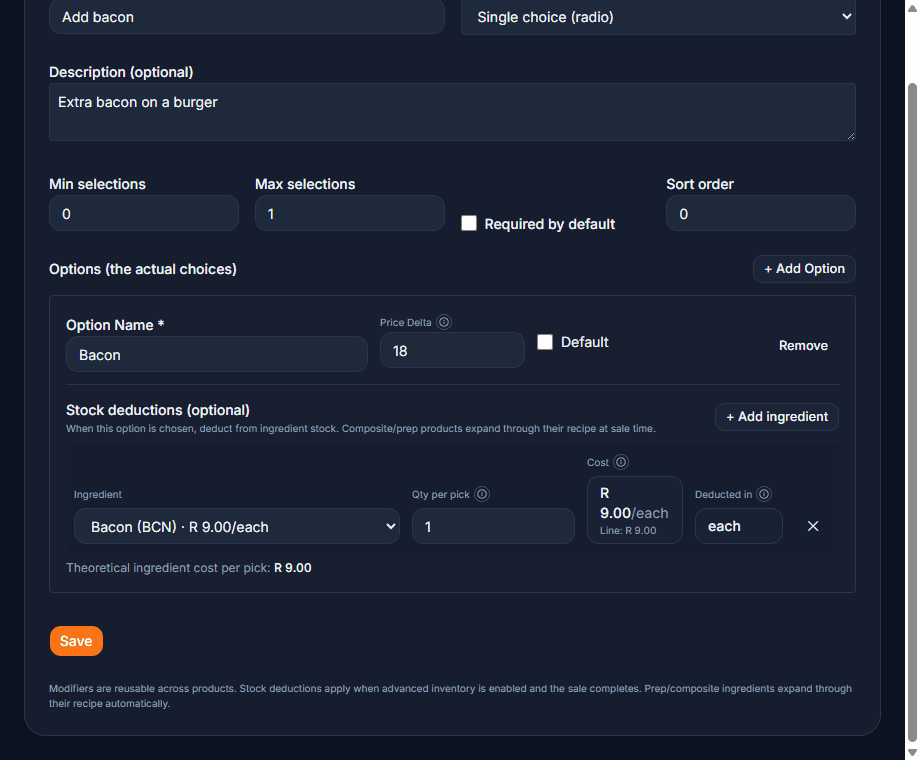
Recipes connect your menu to your stock. A completed sale deducts the ingredients, and selected modifiers can deduct their own ingredients too.
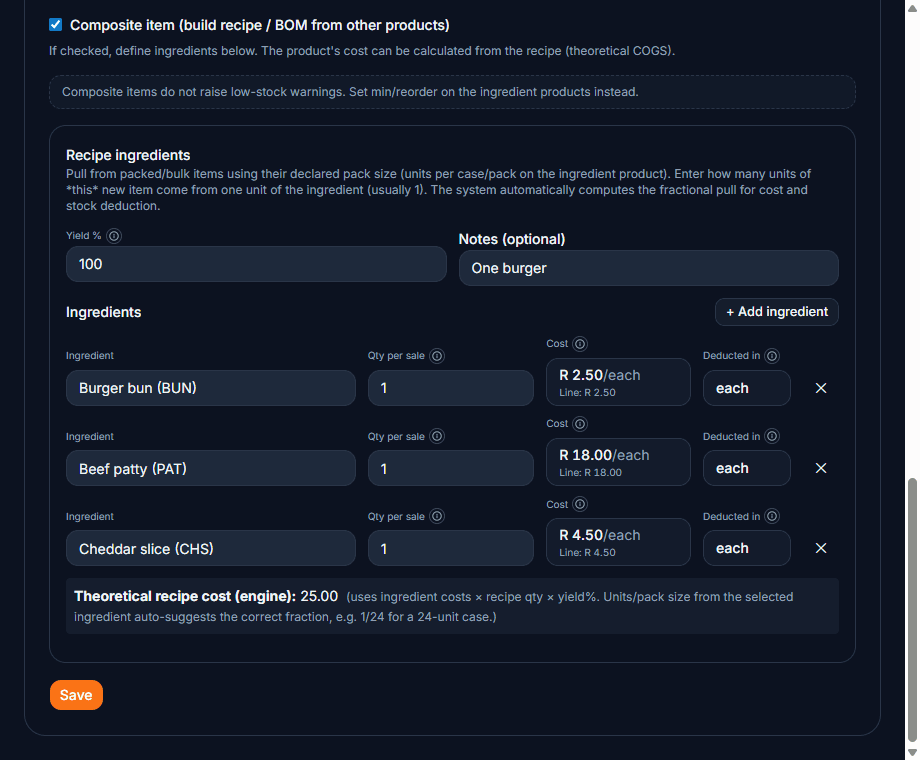
Extra bacon? The modifier can deduct bacon from stock as well.
See the actual modifier setup
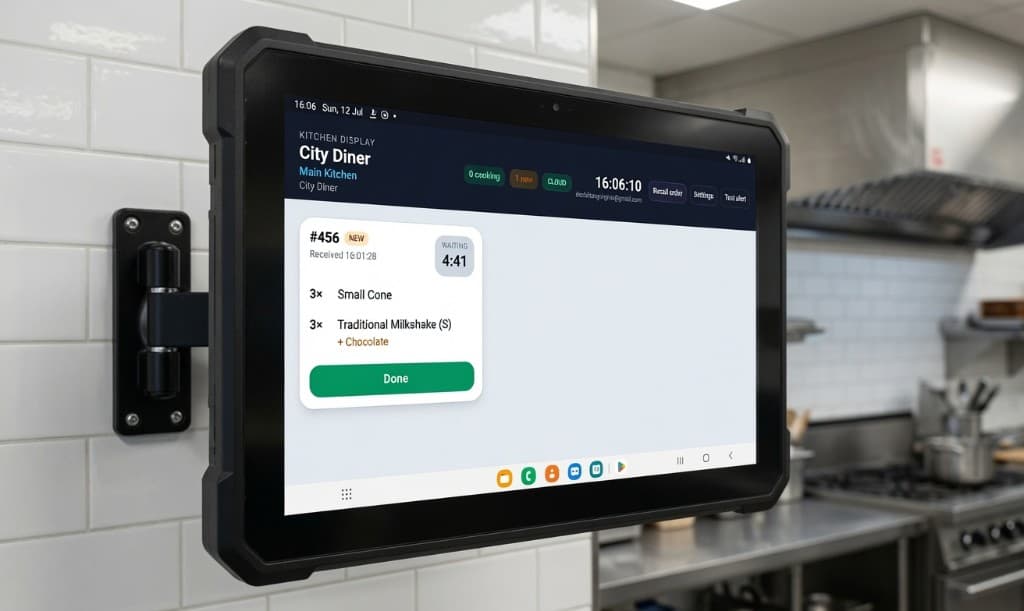
Clear orders. A kitchen that keeps moving.
Give the kitchen the items, modifiers and order notes together, with timers showing how long orders have been waiting.
Know the numbers. Make the next move.
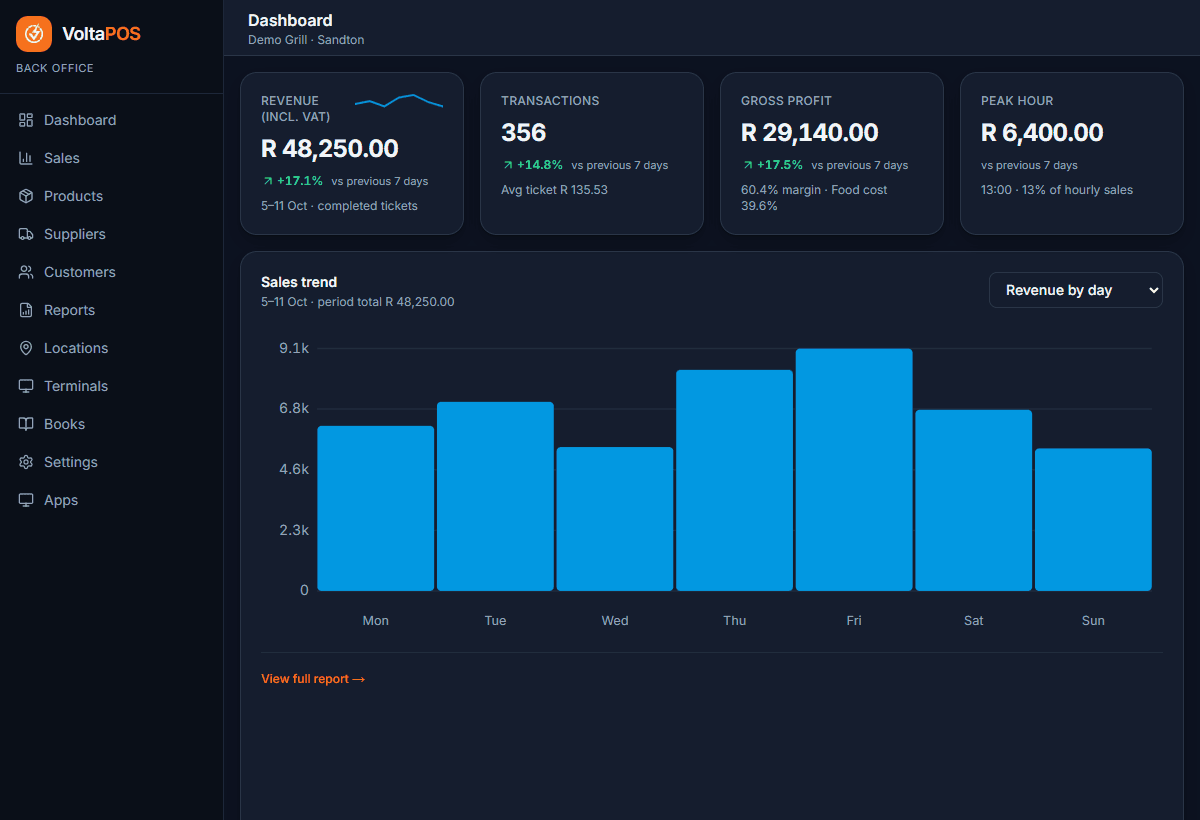
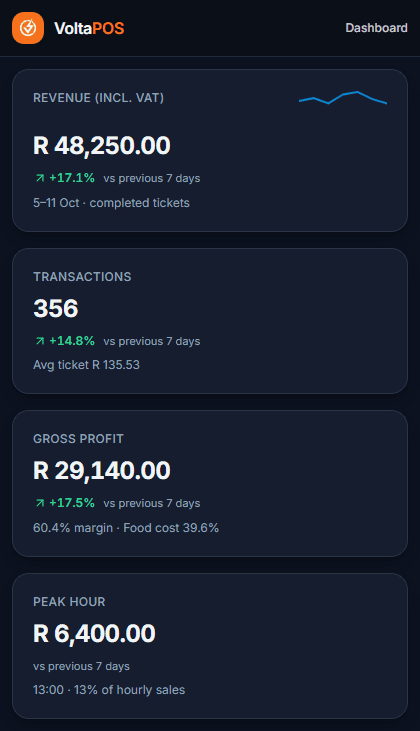
See sales, gross profit, stock value and low-stock items in one place. Get a clearer view of the business without starting with a spreadsheet.
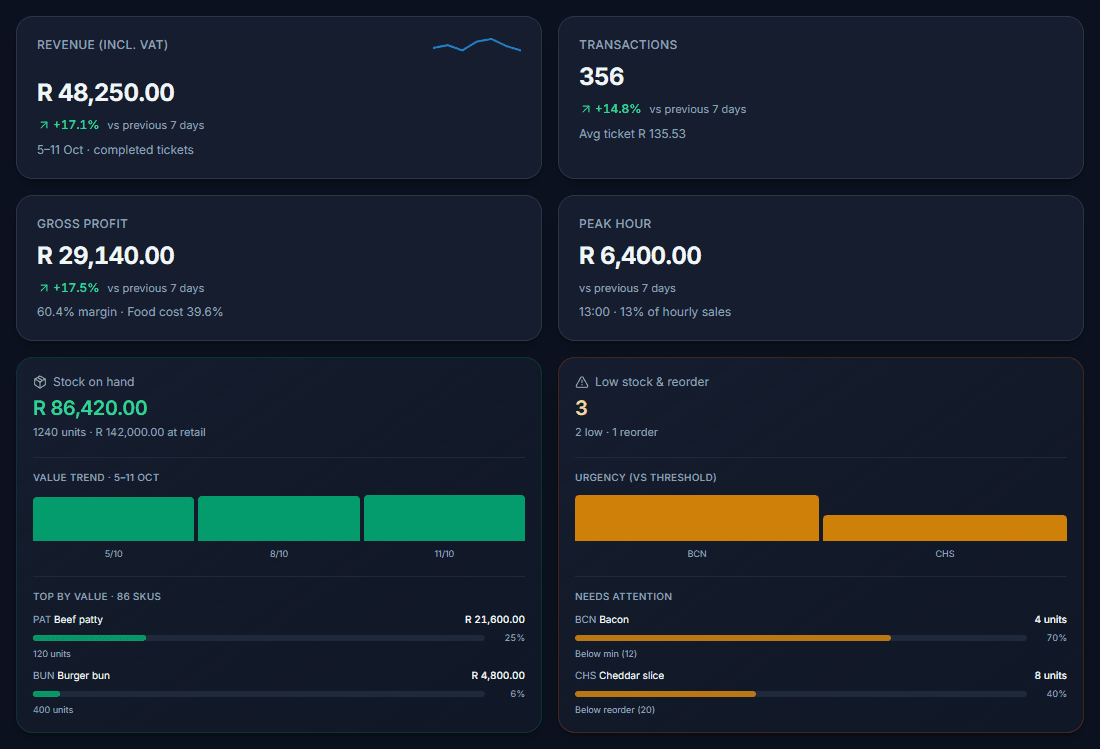
Sales, profit and stock. One business overview.
What operators say
Run by real SA shops and kitchens
Owners and managers at biltong counters, burger shops, and busy grills.
“Opening stock is done on the till before the day even starts. Staff put the counts in while they set up, and we just confirm everything from back office. Huge time saver, and for biltong, keeping an eye on weight loss is so much simpler now.”

Dezmund
Owner, Dez Biltong
“Stock take and GRV on the POS save me so much time, I'm back on the floor instead of stuck in paperwork. Tracking removals and voids also helps us keep an eye on stock loss, which makes managing the shop a lot easier.”

Waldo
Manager, Grab A Burger
“Keeping track of stock and recipes used to take forever, now it's quick and easy. The kitchen loves the KDS: orders come through instantly and accurately, and the paper slips are gone. Seeing how long each order takes from the reports also makes prep and staff planning much easier so we can turn tables faster.”

Angelo
Head chef, La Bella's Grillhouse
Hardware
Need a till as well?
We also sell POS hardware for your counter.
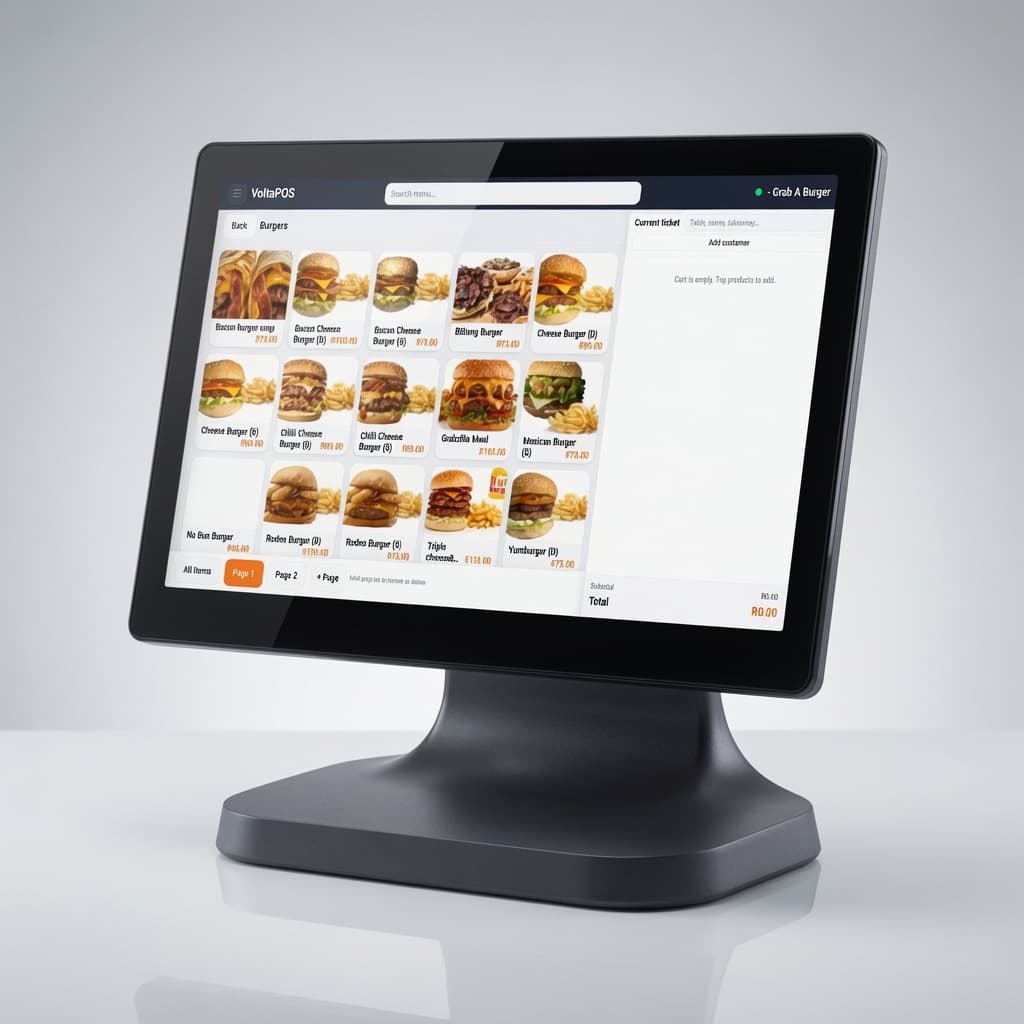
Desktop Android till
SUNMI T2 Lite
R5 500once-off
- 15.6" FHD capacitive touchscreen
- Qualcomm Snapdragon octa-core
- 2 GB RAM · 16 GB storage
- Wi‑Fi, Bluetooth, LAN & USB ports
- Cash drawer port included
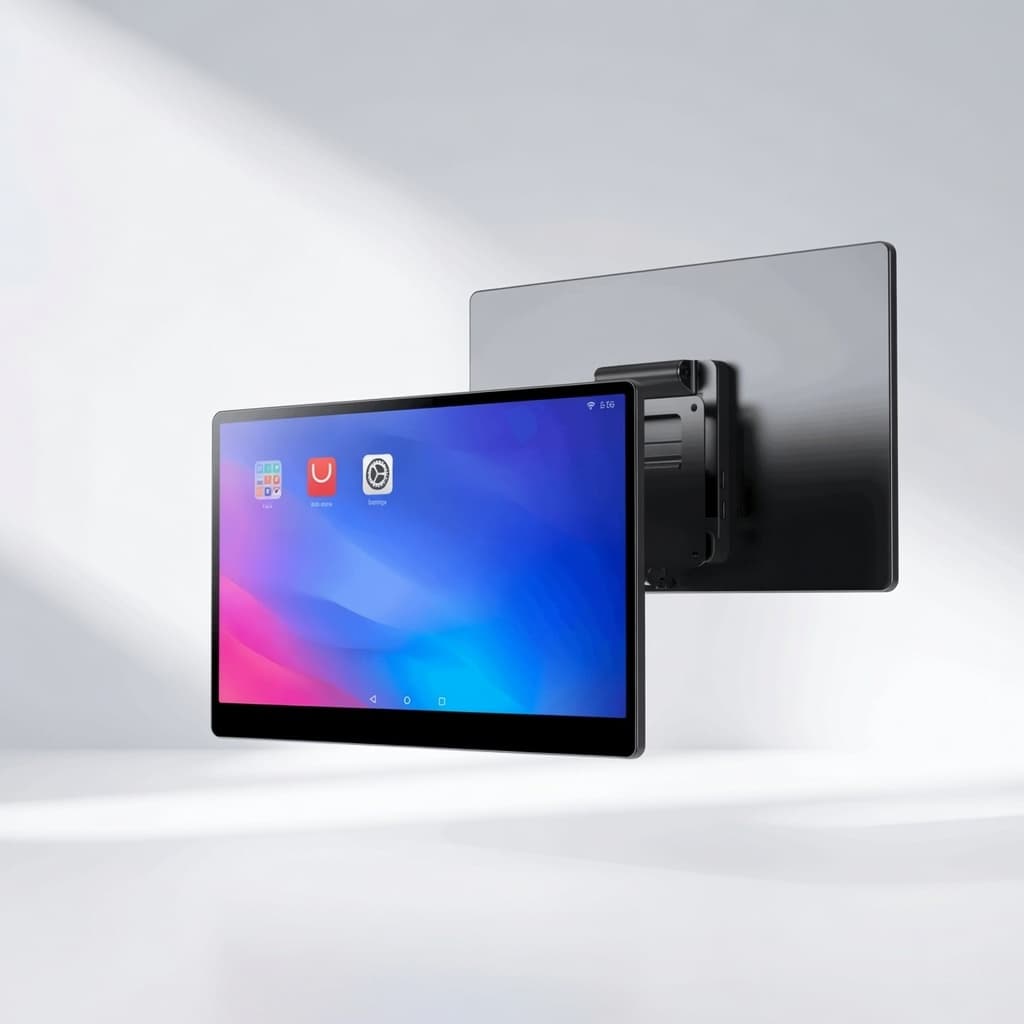
Android kitchen display
iMin Swan 1K (Gen 2)
R8 999once-off
- 15.6" FHD capacitive touchscreen
- Android 13 · octa-core A55 2.0 GHz
- 4 GB RAM · 64 GB storage
- Wi‑Fi 6, Bluetooth 5.4 & gigabit LAN
- VESA mount compatible
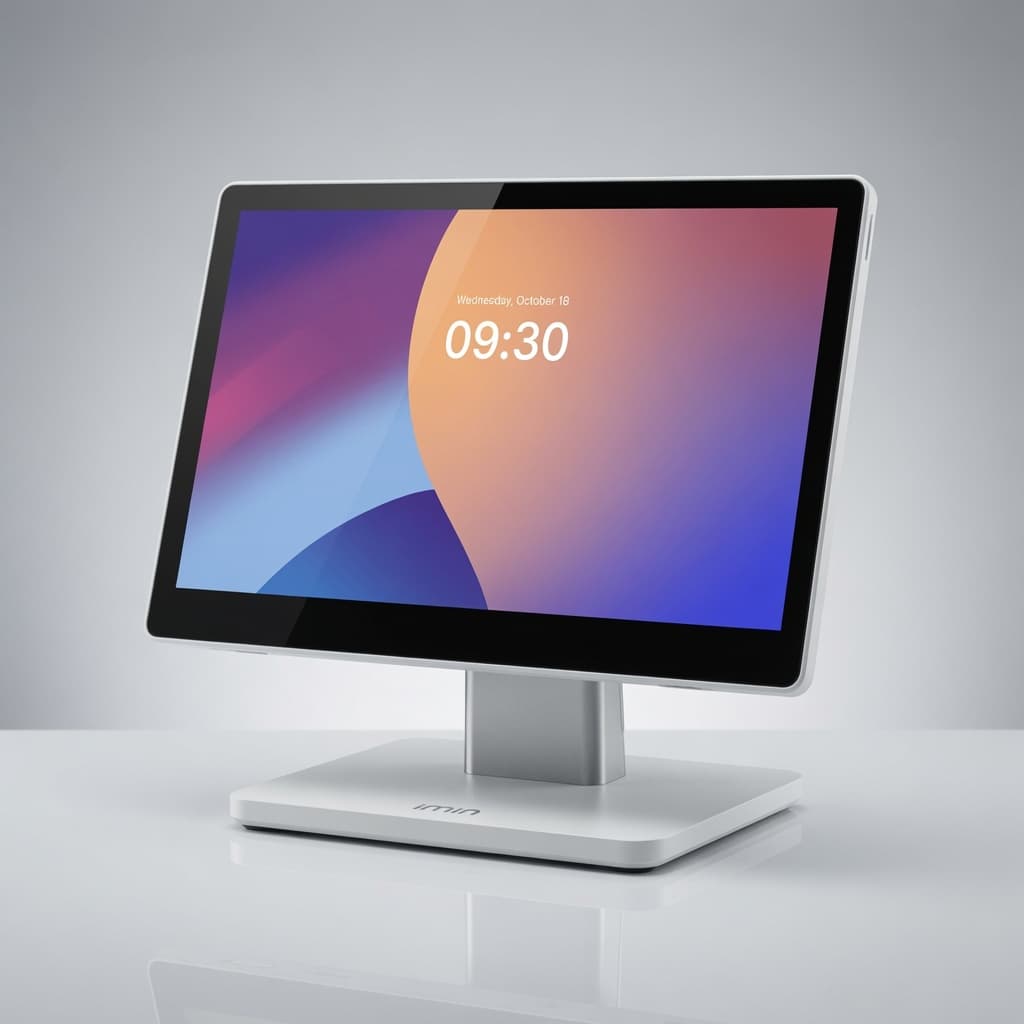
Single-screen desktop till
iMin Swan 2
R10 999once-off
- 15.6" FHD capacitive touchscreen
- Android 13 · octa-core 2.0 GHz
- 4 GB RAM · 64 GB storage
- Wi‑Fi 6, Bluetooth 5.4 & gigabit LAN
- USB-C, HDMI & cash drawer port
Hardware prices are for the device only. The VoltaPOS subscription is billed separately.
Payments powered by



Connect the gateway you already use. Settlement goes straight to your account.
Everything included on Pro
Kitchen, inventory, loyalty, and loss prevention are on Pro. Toggle what you need in Settings → Features. Payment Gateway is an optional add-on.
Windows & Android POS apps
Offline queue, LAN KDS fallback, native printers & scales
Advanced inventory
GRV, counts, transfers, BOM, WAC, reorder suggestions
Kitchen display (KDS)
Multi-station routing, line notes, prep metrics, audio alerts
Printers & scanners
Receipt, kitchen, label · network/USB/BT · barcode scan
Retail-ready till
Weight sales, variable price, custom tenders, receipt branding
Loyalty & promotions
Points, Buy X Get 1 Free, promo codes & schedules
Loss prevention
Removals, voids, shifts, payouts, terminal tracking
Staff role tiers
Cashier, Supervisor, Manager · 14 permissions · PIN switch
Multi-location
Per-site stock, transfers, terminals, branded receipts
Dashboard & reports
40+ reports, GP, tax, kitchen, stock valuation, PDF/CSV export
How it works
Three steps from signup to live trading.
- 1
Start your 14-day trial
Create your account and get full Pro and VoltaBooks, with no credit card. One location to get going.
- 2
Set up shop & pair a till
Add products, staff roles, and pair a Windows or Android till. Turn on KDS when you need it.
- 3
Trade, then subscribe
Run real shifts during the trial. Before day 14 ends, subscribe to Pro (and Books if you need them) to keep access.
Simple pricing after your trial
14 days of full Pro + VoltaBooks, then Pro from R400 per location.
Pro trial
14-day full Pro
Full Pro + VoltaBooks included · No credit card to start
- All Pro modules: inventory, KDS, loyalty, loss prevention, Windows and Android apps
- VoltaBooks accounting + SA payroll during trial
- Unlimited SKUs, bulk edit, CSV import
- 1 location · up to 2 paired POS devices
Pro
R400 / location / month
All modules included, no per-feature fees · billing starts immediately
- Unlimited SKUs, bulk price edit, CSV import
- Windows & Android POS · offline queue · printers & scales
- Full inventory: GRV, counts, transfers, BOM, reorder suggestions
- 40+ reports, live dashboard, GP & tax
VoltaBooks
R499 / month standalone
Full accounting + SA payroll · +R399/mo add-on if you already have Pro
- Full SA payroll: PAYE, UIF, SDL and payslips
- Employee portal: leave, payslips, roster and warnings
- Rosters that feed hourly pay runs
- EMP201 summaries, IRP5 drafts & bank salary files
More time for your business.
More control over your day.
Try full VoltaPOS Pro and VoltaBooks for 14 days. No credit card required. A paid subscription is required after your trial.